Insight’s Reseller Admin Portal (RAP)
User Guide
2 - Identity & Security
Multi‑Factor Authentication (MFA) Requirement:
To enhance security, Multi‑Factor Authentication (MFA) is required to access Insight’s Cloud Reseller Admin Portal (CCR) at https://buy.insight.com and the Cloud Consumption Reporting (CCR) tool at https://ccr.insight.com, effective November 9, 2024.
This additional security measure helps protect your environment and ensures continued, secure access to Insight services.
After your initial login to RAP, a one-time passcode (OTP) will be sent to the email address you use to register and sign in.
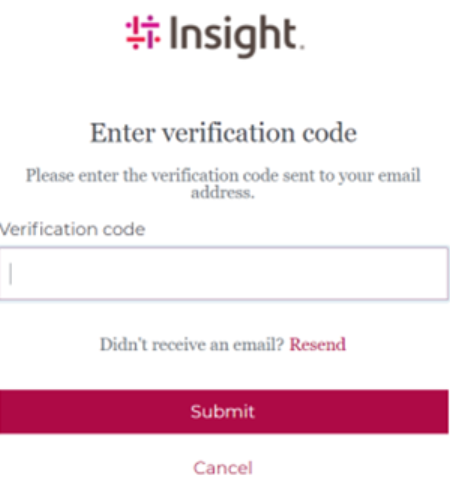
Once logged in, you can select your default authentication method from the following options:
- Email – Receive a one-time passcode via email
- Authenticator app – Use your preferred authenticator application
- Passkey – Use biometrics or a security key
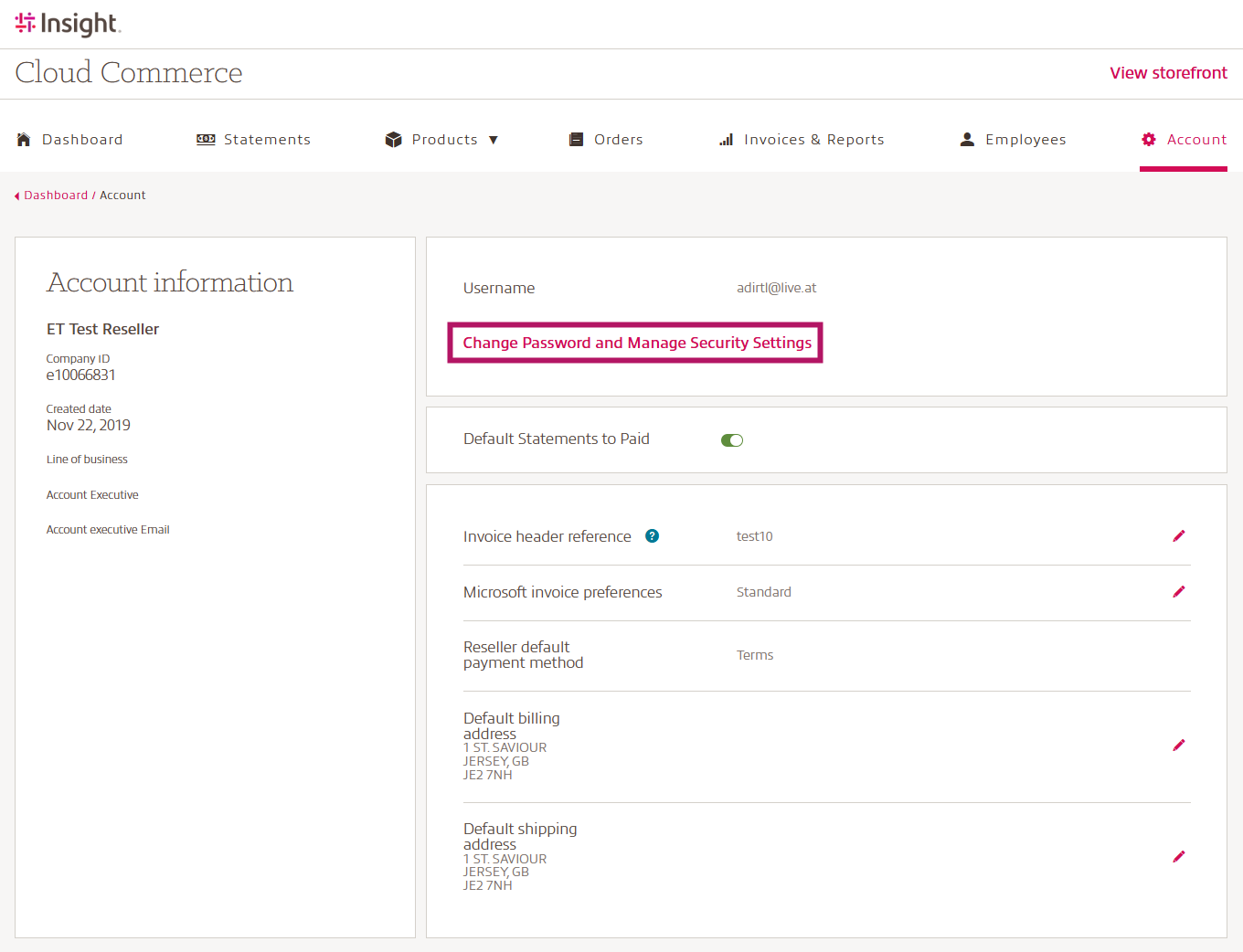
To change your preferred authentication method, navigate to your Account page and select Change Password and Manage Security Settings.
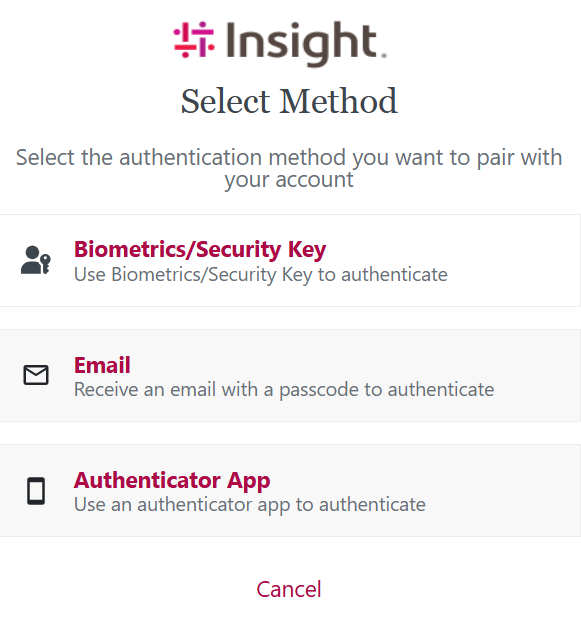
You will then see all available Multi-Factor Authentication (MFA) options. Follow the on‑screen prompts to enroll the method you prefer.
After enrollment, your active authentication methods will be displayed on the Device Management screen.