Insight’s Reseller Admin Portal (RAP)
User Guide
7 - Invoices & Reports
Invoices & Reports
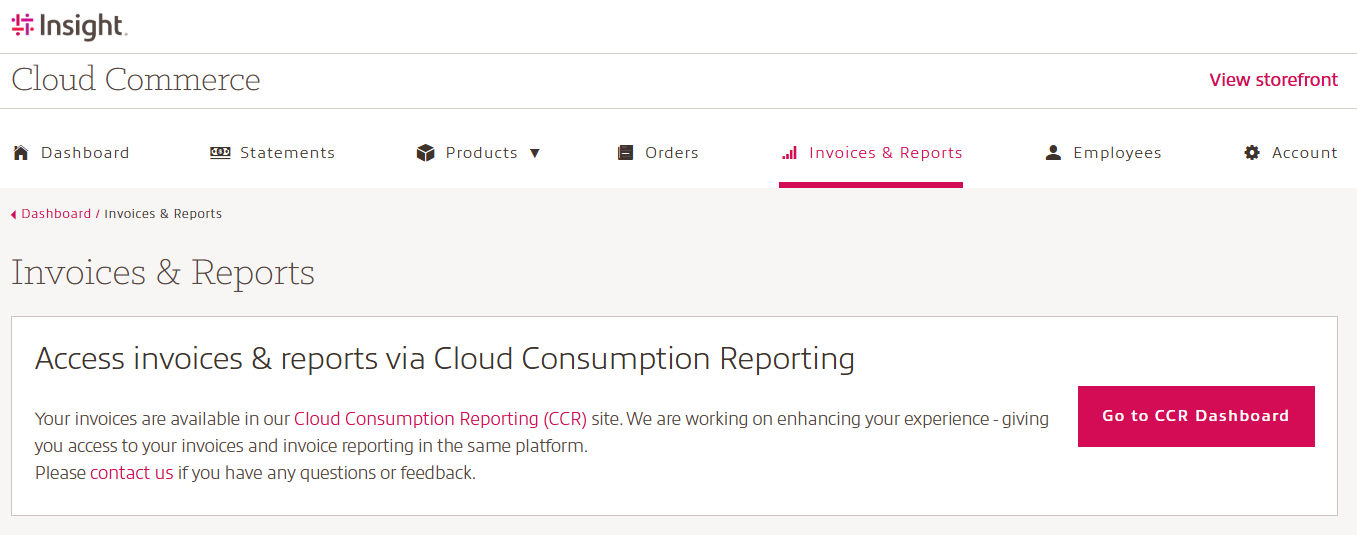
When you log into RAP, you will land on the Dashboard page. Use the top menu to navigate to the Invoice & Reports list page.
This page is your central location for viewing Insight Cloud Care invoices and reports.
Invoices for Microsoft CSP services including Microsoft 365 seat-based licenses, Azure Plan usage, Software Subscriptions and Perpetual Software purchases are issued at the end of each month, covering all activity from previous month.
For example: January usage is billed at the end of February.
Invoices are sent to the email address provided when your CCx account set up is completed. If you need to update the billing email address, please contact your Client Executive or Client Success Manager.
More information on your Cloud Care invoices can be found in the Cloud Care invoice guide.
Access invoices and reports via Cloud Consumption Reporting:
Your invoices and detailed reports are available through the Insight Cloud Consumption Reporting platform (CCR) at https://ccr.insight.com.
From RAP, a direct SSO-enabled link provides seamless access to your Cloud Care invoices and detailed invoice reporting, allowing you to view invoices and manage reports in one place.
For a full walkthrough of CCR, you can access the full CCR User Guide.