Insight's Reseller Admin Portal (RAP)
User Guide
6 - Orders Detail Page
Order Details
When you log into RAP, you will land on the Dashboard page. Use the top menu to navigate to the Orders list page. This is the main page from which you will be able to view and manage your Insight Cloud Care orders.
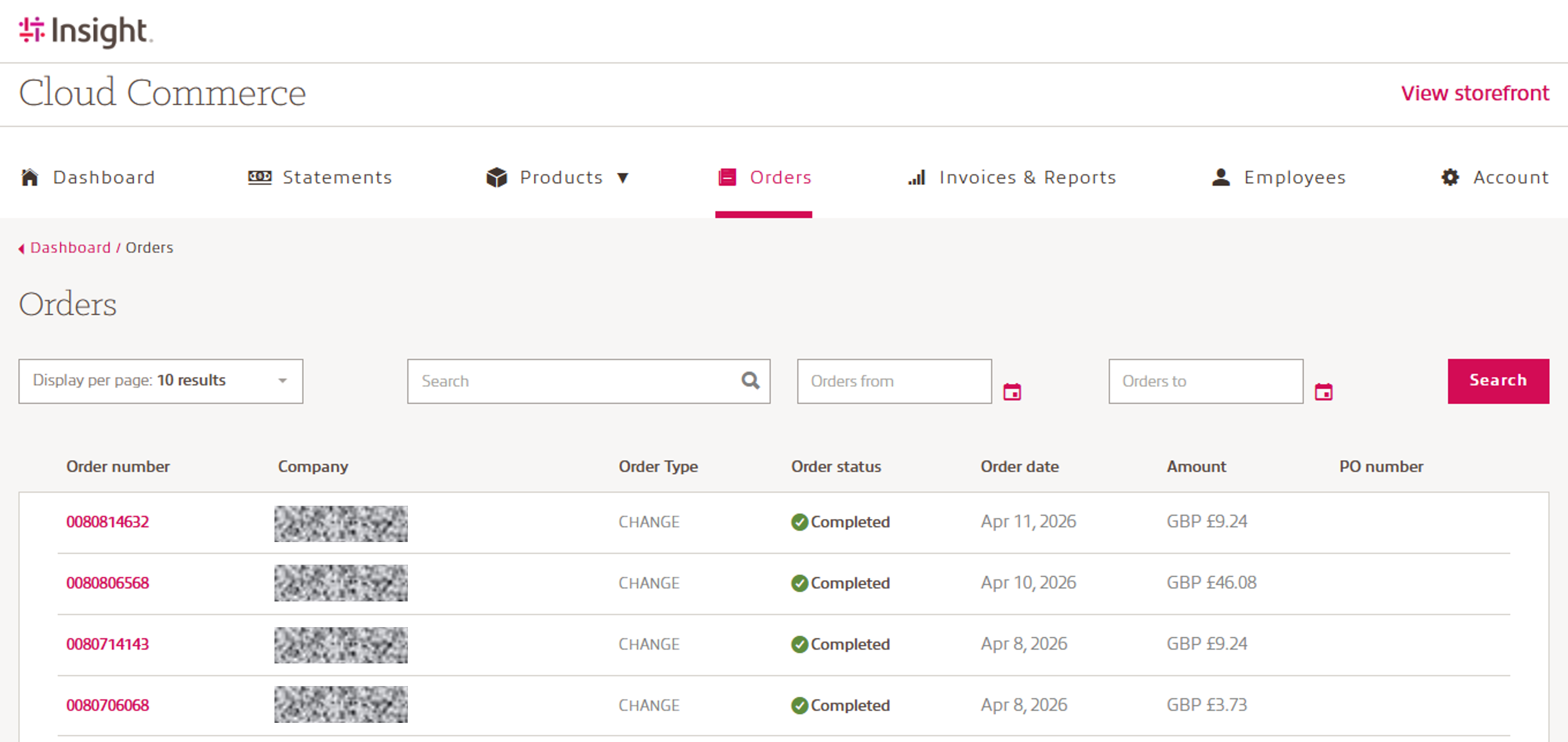
The entire row is clickable and clicking anywhere within the line will take you to the Order detail page where you can view the details of the specific order.
The Order detail includes the specifics of your Insight Cloud Care order. The details displayed on the page include:
- Order number: Insight unique order number
- Order status: Completed, In review
- Company: Yor end-customer details
- Order date
- PO Number
- Products: SKU, Term, Billing frequency, Quantity, Unit price, Total amount
- Invoice Summary: Subtotal, Tax estimate and Total
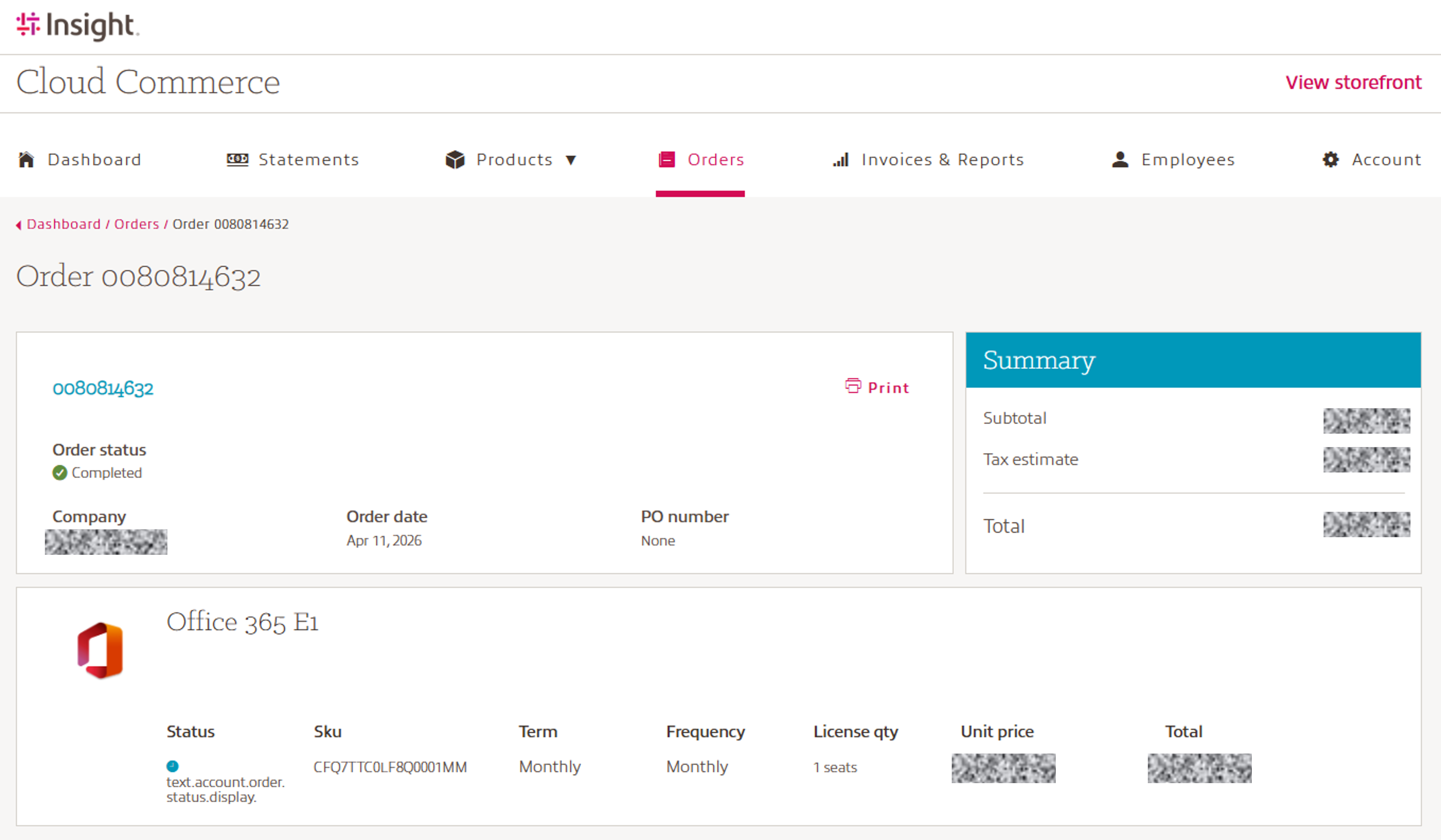
Please note: Make sure the order is not set to “in review”.
If that is the case, you need to release the order to complete the purchase.