Insight's Cloud Commerce Platform (CCx) User Guide
3 - CCx Dashboard
Your Cloud Journey Starting Point: The CCx Dashboard
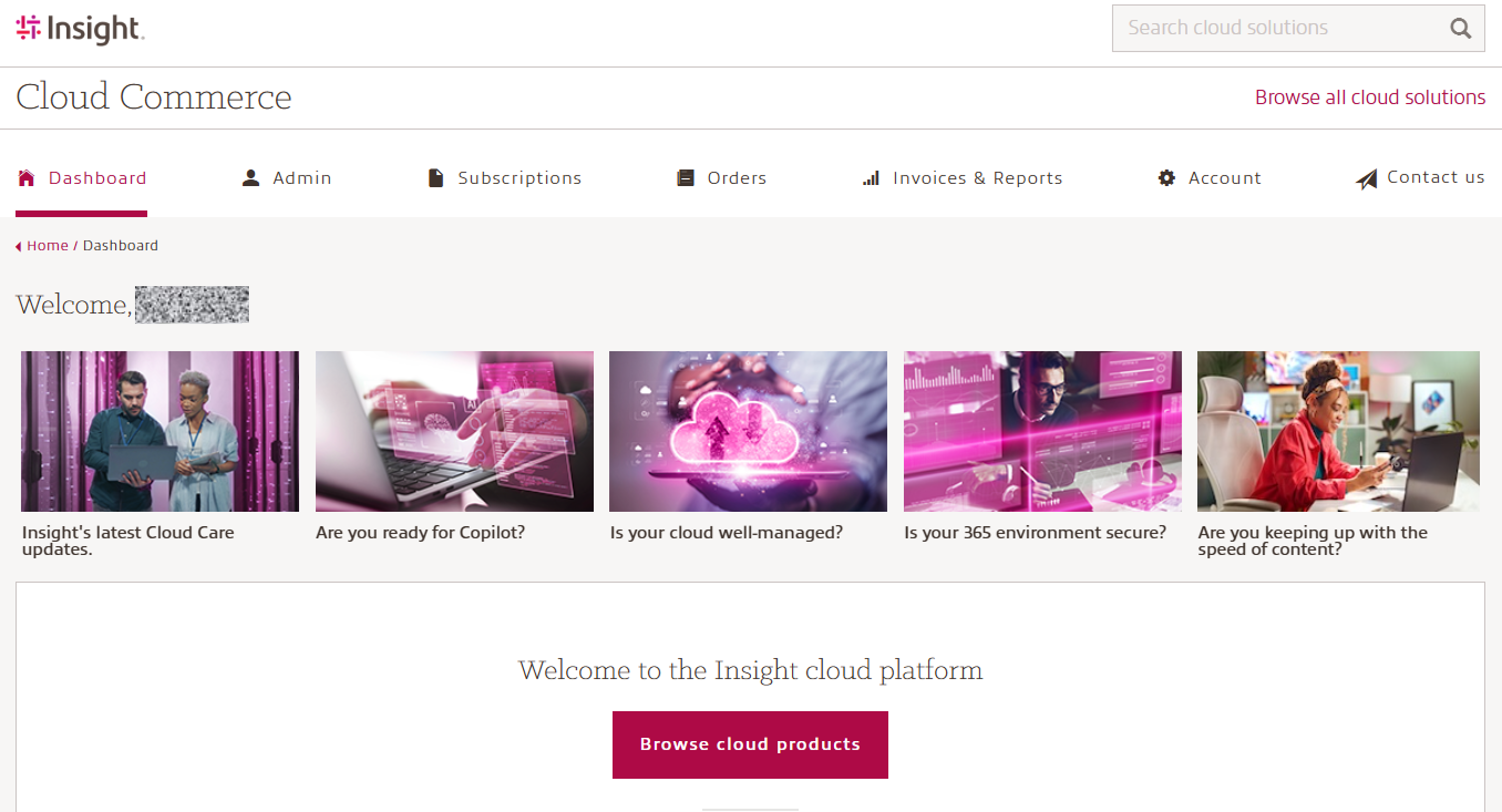
When you sign in to CCx, you are taken to the Dashboard, which serves as your central starting point.
Use the top navigation menu to access other areas of the platform as needed. For detailed explanations of each menu item and its functionality, please refer to the available user guides.
The Dashboard also provides quick access to important links, including information on previous product launches and Insight service offerings.
From here, you can search for specific cloud solutions or browse the full catalog of available cloud products and services.
Insight Cloud Care Customers onboarded into the Adobe VIP marketplace program, will also see Adobe Product Recommendations to help them discover relevant Adobe products at the right time within CCx. All recommendations are personalized to your current environment, provided by Adobe, and automatically matched to the Adobe product catalog to ensure accurate, ready‑to‑purchase information.