Insight's Cloud Commerce Platform (CCx) User Guide
19-1 - Microsoft Quotations
Create Microsoft Quotes in CCx in Minutes
CCx is your platform to get the licenses you need. The following details provide instructions on how to create a Microsoft quotation for a new product within CCx.
You can export a quote from CCx for a new purchase of Microsoft 365 seat based, Perpetual Software, and Software Subscriptions products.
When you add licenses to an existing Microsoft 365 seat‑based subscription, the pricing remains aligned with the original purchase price of that subscription. You can view these prices in the Subscriptions list or on the Subscription detail page.
How to create your Microsoft quotation:
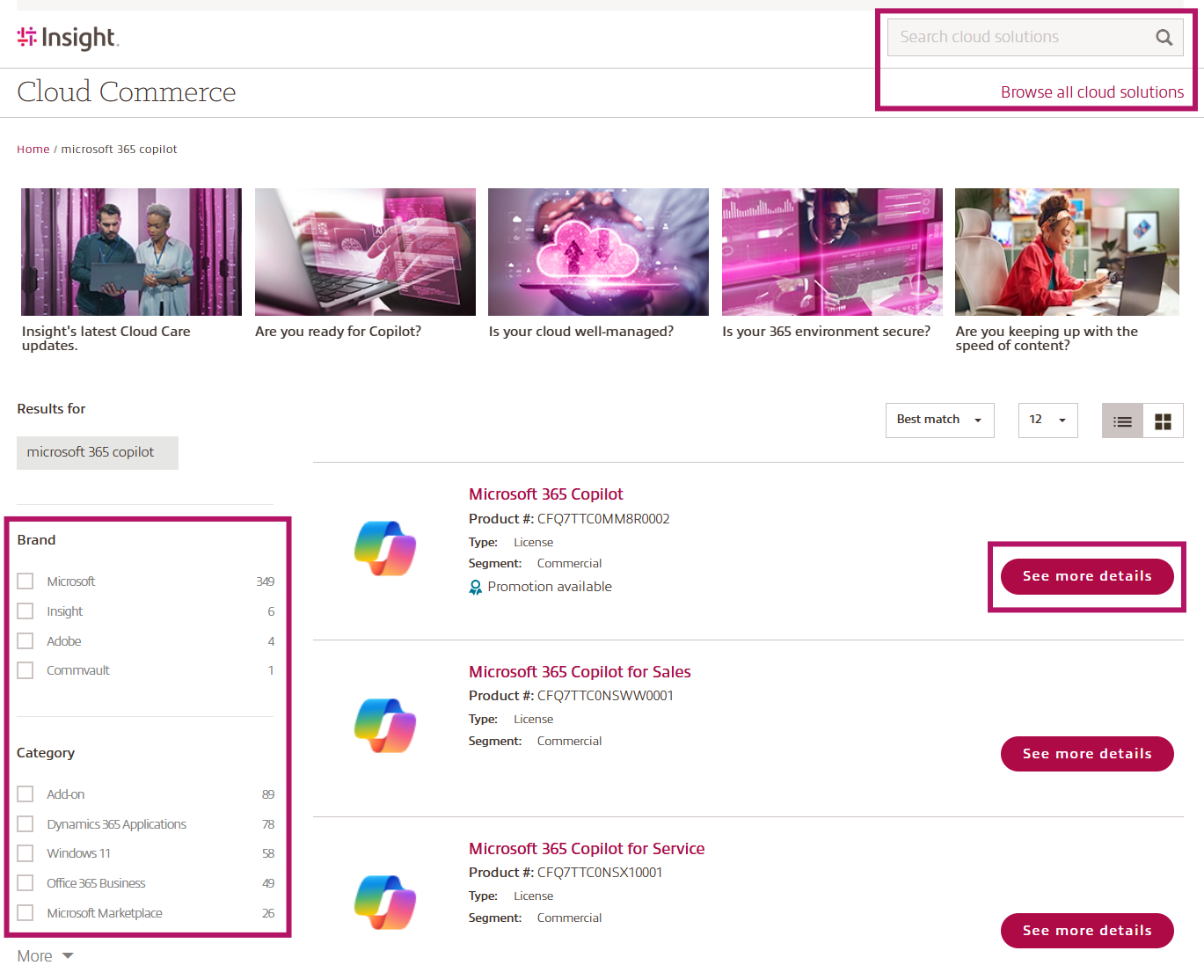
- Find the product you need by either typing the product description/key words into the Search cloud solutions field or selecting Browse all cloud solutions to view the product catalog. Use the filter option in the product catalog to find what you need.
Then click See more details to be taken to the product detailed page.
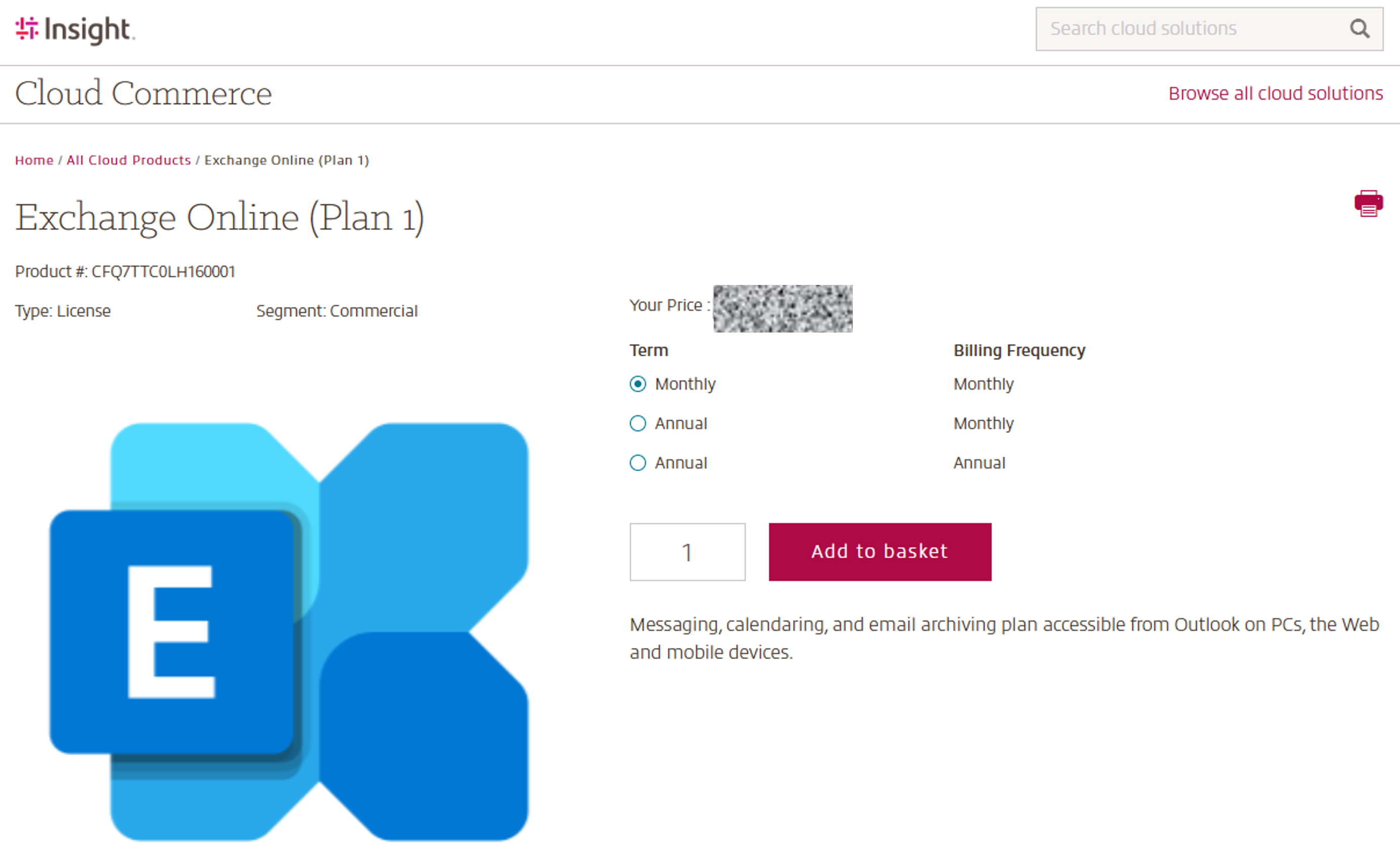
- Once you have selected and navigated to the desired product detail page, use the radio buttons to select the desired Term and Billing Frequency, add the quantity needed and add the product into the basket.
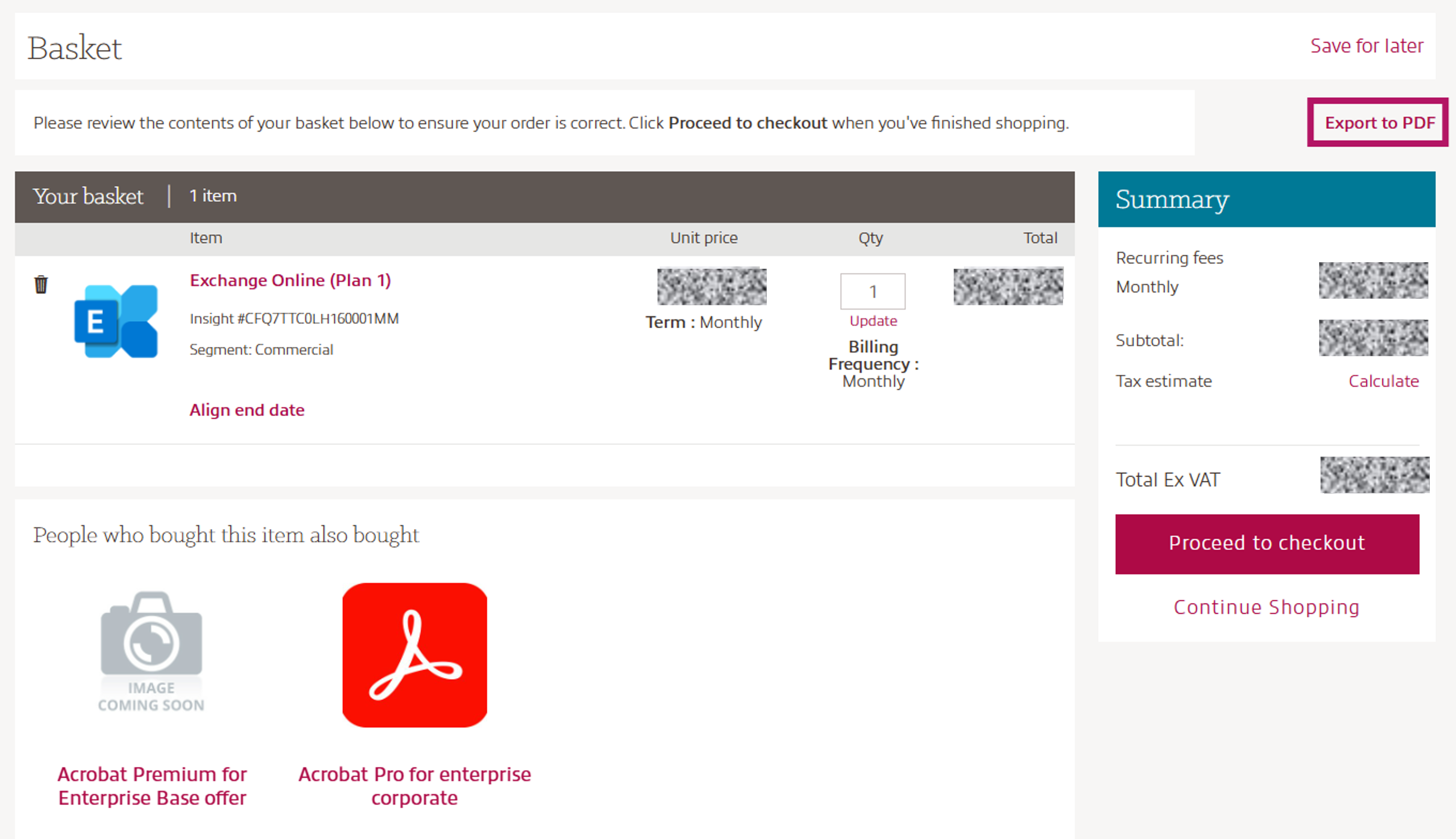
- When all products are added to the basket, please review your selections to ensure term, billing frequency, and quantities are as desired.
- For a quote summary click Export to PDF.